
Roughly seven out of ten online carts are abandoned before checkout. That's not lost interest — those are people who already chose your product and got distracted, sticker-shocked by shipping, or pulled away by life. An abandoned cart automation quietly follows up with each one and brings a meaningful share of them back. Here's exactly how to build one for your Shopify store, screen by screen, without bolting on a separate cart-recovery app.
What an abandoned cart automation actually does
When a shopper adds items to their cart and starts — but doesn't finish — checkout, Shopify records it as an abandoned checkout. Your automation listens for that event and runs a short, friendly sequence over the next day or two:
- A quick SMS about an hour later — "Looks like you left something behind. Want me to hold it for you?"
- An email the next day showing the exact items, with a one-tap link back to the cart.
- A final nudge at ~48 hours — sometimes with a small incentive — for the carts that still haven't converted.
Built once, it runs for every cart automatically. Let's build it.
Before you start: connect Shopify
The automation runs on real events from your store, so the first step is connecting Shopify to FrequencyOS. That takes a couple of minutes — you point us at your store, choose what syncs in (customers, orders, products), and your abandoned-checkout events start flowing. The Shopify integration guide walks through the connection itself; this article picks up right after.
Step 1 — Start the workflow (or just describe it)
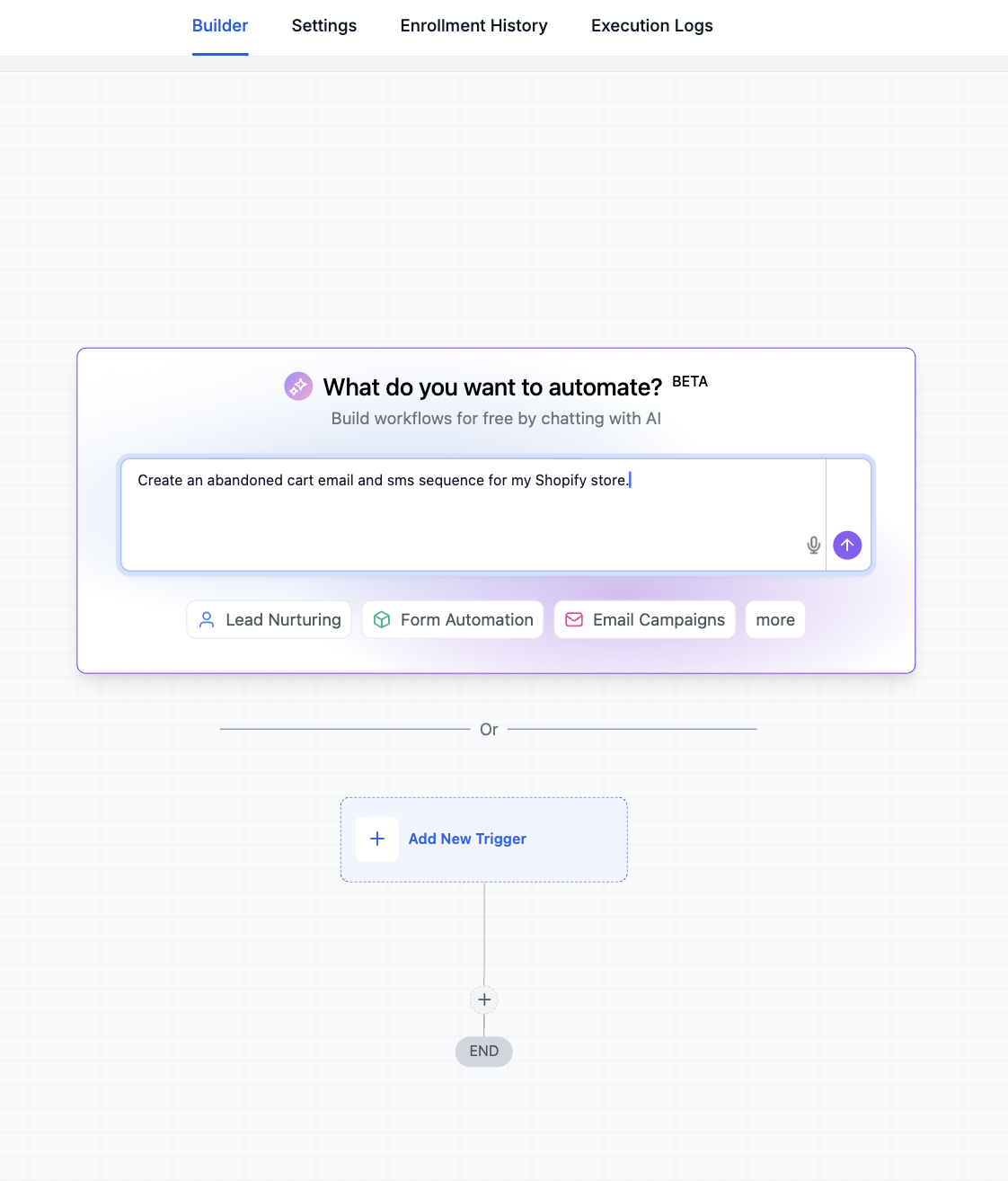
Create a new workflow. The fastest way is to skip the blank canvas entirely: tell the AI builder what you want in plain English — something like "Create an abandoned cart email and SMS sequence for my Shopify store" — and it scaffolds the trigger and steps for you to refine.
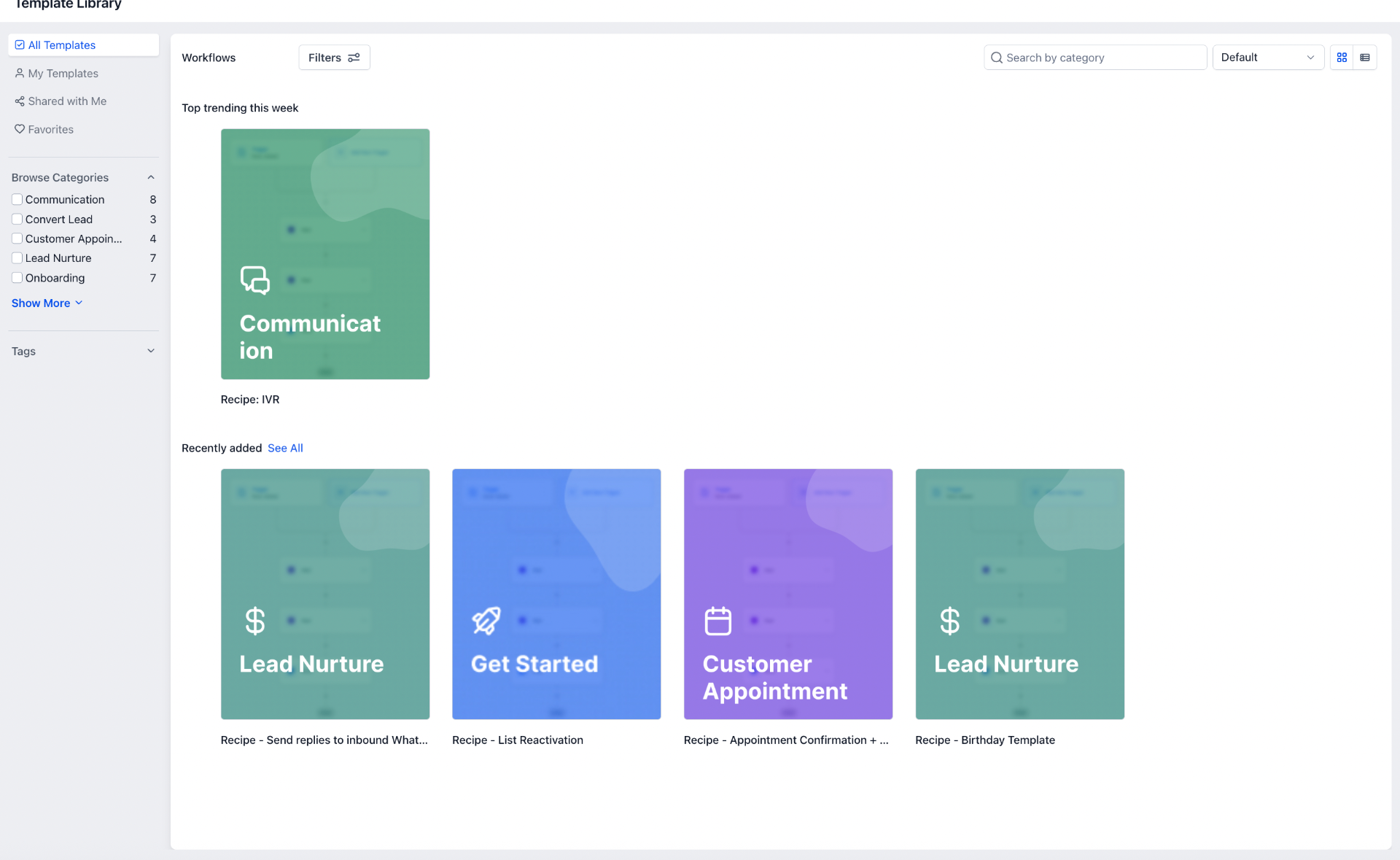
Prefer a proven starting point? The template library has ready-made recipes for cart recovery, lead nurture, and order follow-up you can clone and tweak.
Step 2 — Choose the Abandoned Checkout trigger
Every workflow starts with a trigger — the event that kicks it off. Add a new trigger and search "Shopify" to see your store's events. For cart recovery you want Abandoned checkout — it fires the moment a shopper leaves without completing payment.
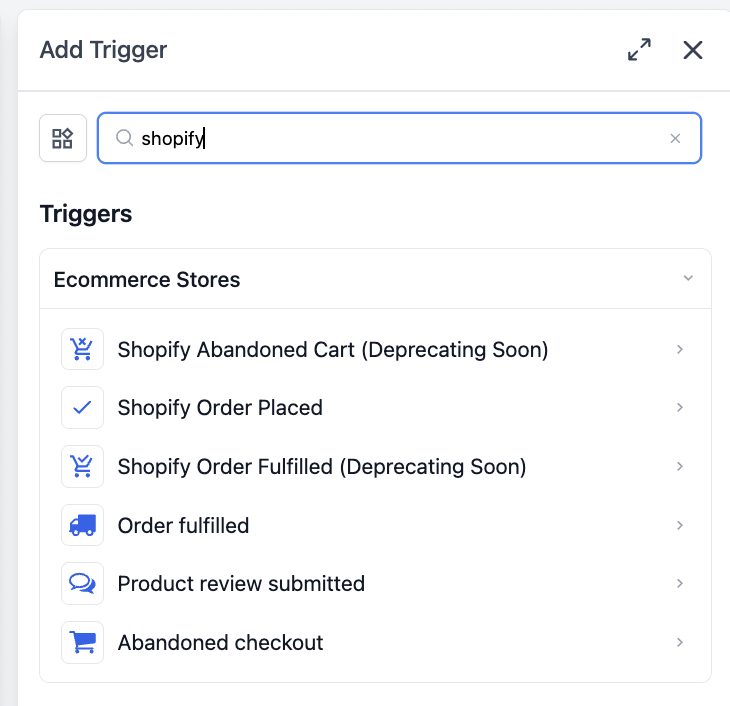
A quick note on naming: you'll see a couple of legacy triggers marked "Deprecating soon." Use the current Abandoned checkout trigger (the cart icon labeled "Triggers when a cart is abandoned") so your flow keeps working long-term.
Step 3 — Set the timing and conditions
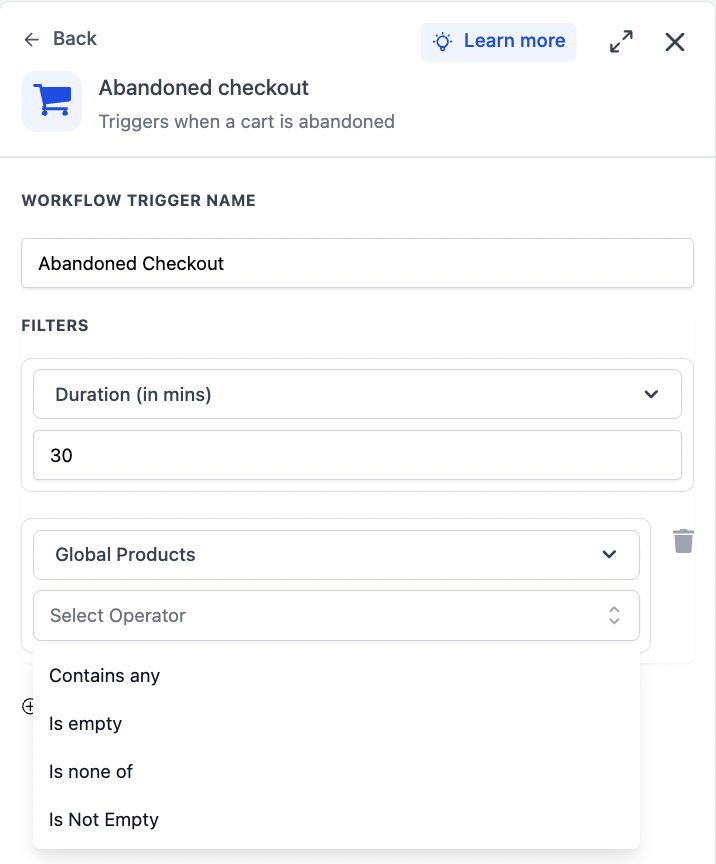
This is where a good cart recovery flow earns its money. Open the trigger settings and configure two things:
- Duration. How long to wait after the cart is abandoned before the contact enters the flow. Thirty minutes is a sensible default — long enough that you're not pestering someone who's mid-checkout, short enough to catch them while intent is fresh.
- Filters (optional). You can scope the flow to specific products or cart values — for example, only chase carts that contain certain items, or skip carts below a threshold.
Step 4 — Build the recovery sequence
With the trigger in place, add your steps below it. A reliable three-touch sequence looks like this:
- SMS — ~1 hour: short and human. "Hey {name}, you left {product} in your cart — want me to hold it? Tap here to finish up."
- Wait — until next day.
- Email — ~24 hours: show the cart contents, a clear "Complete your order" button, and a line of reassurance (easy returns, fast shipping).
- Wait — ~24 more hours.
- Final nudge — ~48 hours: the last touch, sometimes with a small incentive like free shipping for the next 24 hours.
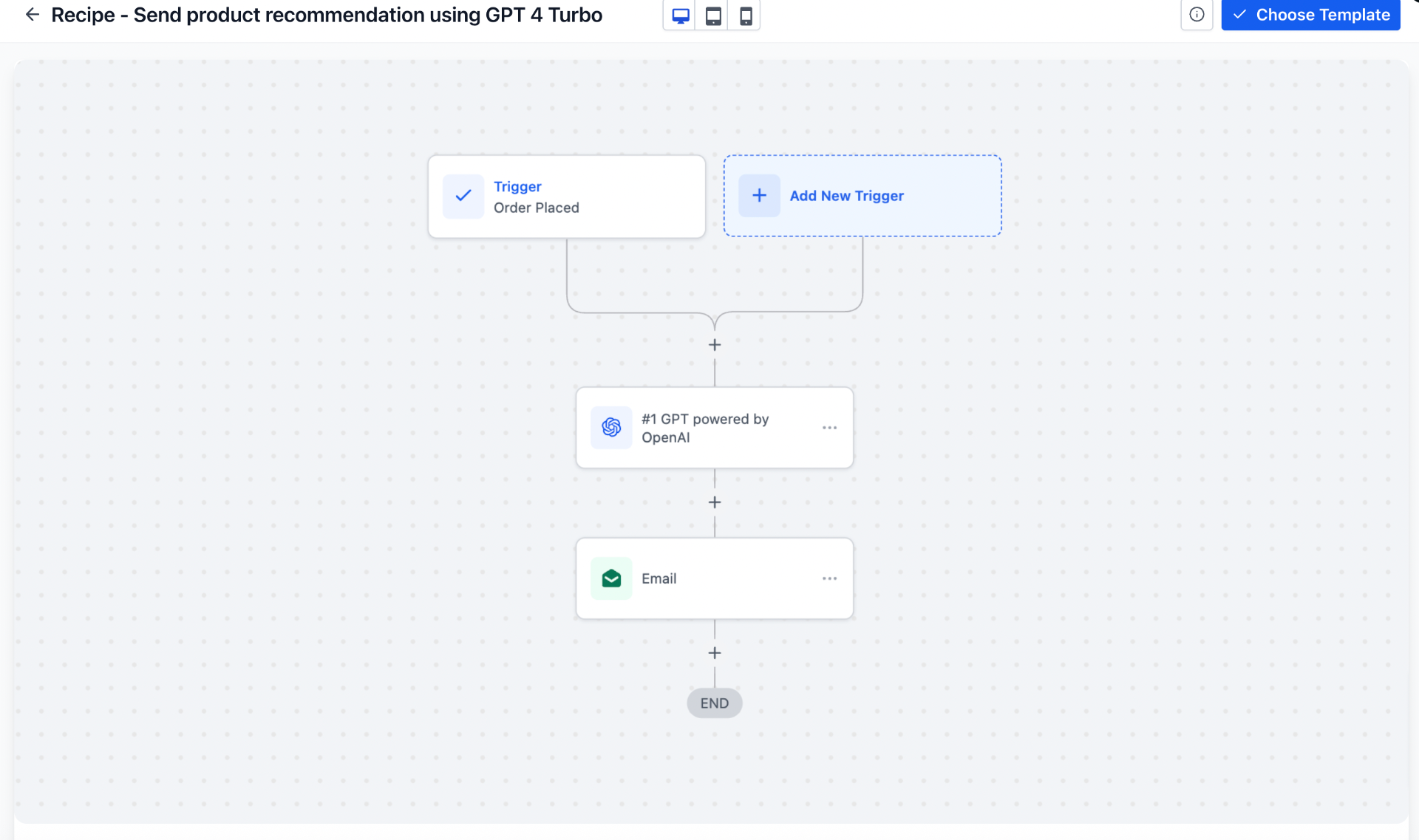
The same builder handles every other order-based flow too. Here's an order-placed workflow that branches into an AI-personalized recommendation and an email — the exact pattern you'll reuse for upsells, review requests, and win-backs.
Step 5 — Add an exit condition, then turn it on
The one detail people forget: stop the sequence when the cart converts. Add a condition (or use the built-in goal) so that if the order is placed, the contact exits the flow and never gets the "you forgot something" text after they've already bought. It's the difference between an automation that feels helpful and one that feels broken.
Once that's in place, publish the workflow. From that moment, every abandoned cart on your store gets the full sequence automatically — no app, no monthly cart-recovery subscription, no manual chasing.
A few things that make it convert better
- Lead with the SMS. Texts get opened in minutes. The first hour after abandonment is when recovery rates are highest.
- Keep messages short and personal. Use the shopper's name and the actual product. Generic blasts get ignored.
- Hold the discount for last. Many people come back without an incentive. Save offers for the final nudge so you don't train customers to abandon on purpose.
- Mind SMS consent. Texting requires opt-in, and US senders need A2P 10DLC registration. Make sure your checkout collects SMS consent so your messages land and stay compliant.
Want this built for your store?
Book a 20-minute walkthrough. We'll connect your Shopify store and set up your first cart recovery flow live — then map the two or three other automations that recover the most revenue for you.
