
Shopify is exceptional at one thing: selling. The catalog, the checkout, the payments, the fulfillment — all handled. But ask most store owners what happens after the sale, or when a cart is abandoned, or when a great customer goes quiet for three months, and the answer is usually a tangle of separate apps — each with its own login, its own monthly bill, and its own data that never talks to the others.
That gap — the marketing and follow-up layer — is exactly what the FrequencyOS Shopify integration fills. You keep Shopify running the store. FrequencyOS connects to it and runs the CRM, email, SMS, and automations that turn one-time buyers into repeat customers. One system, instead of five.
What the integration actually does
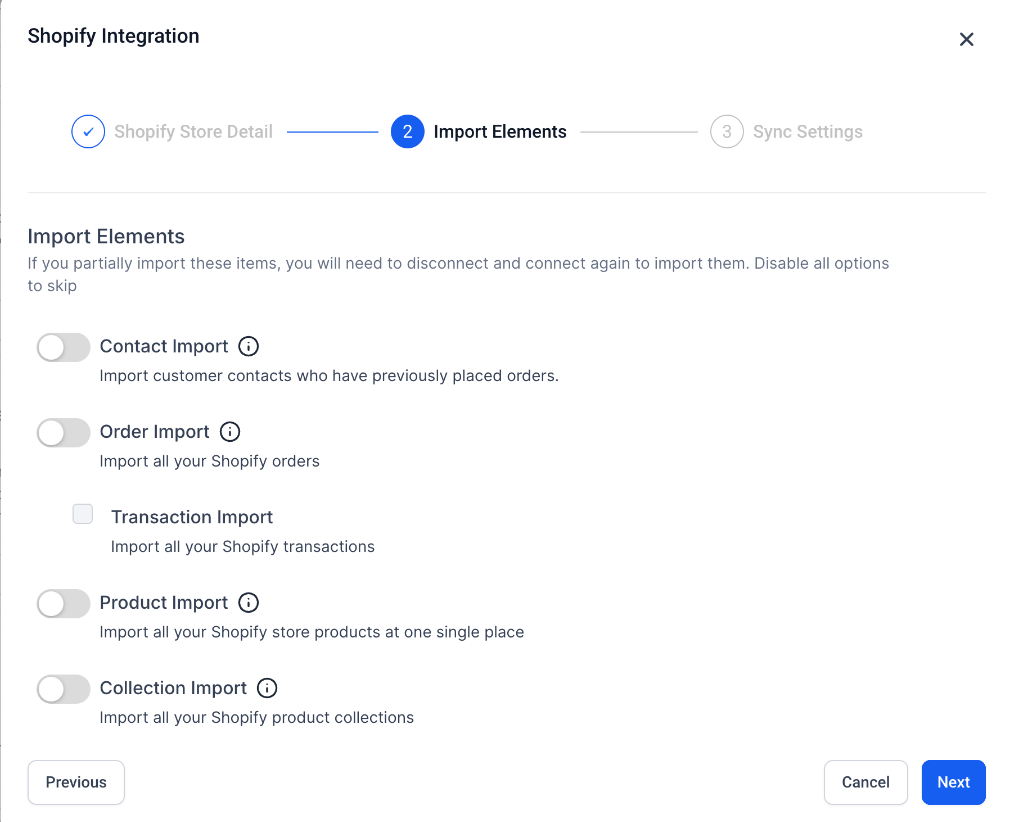
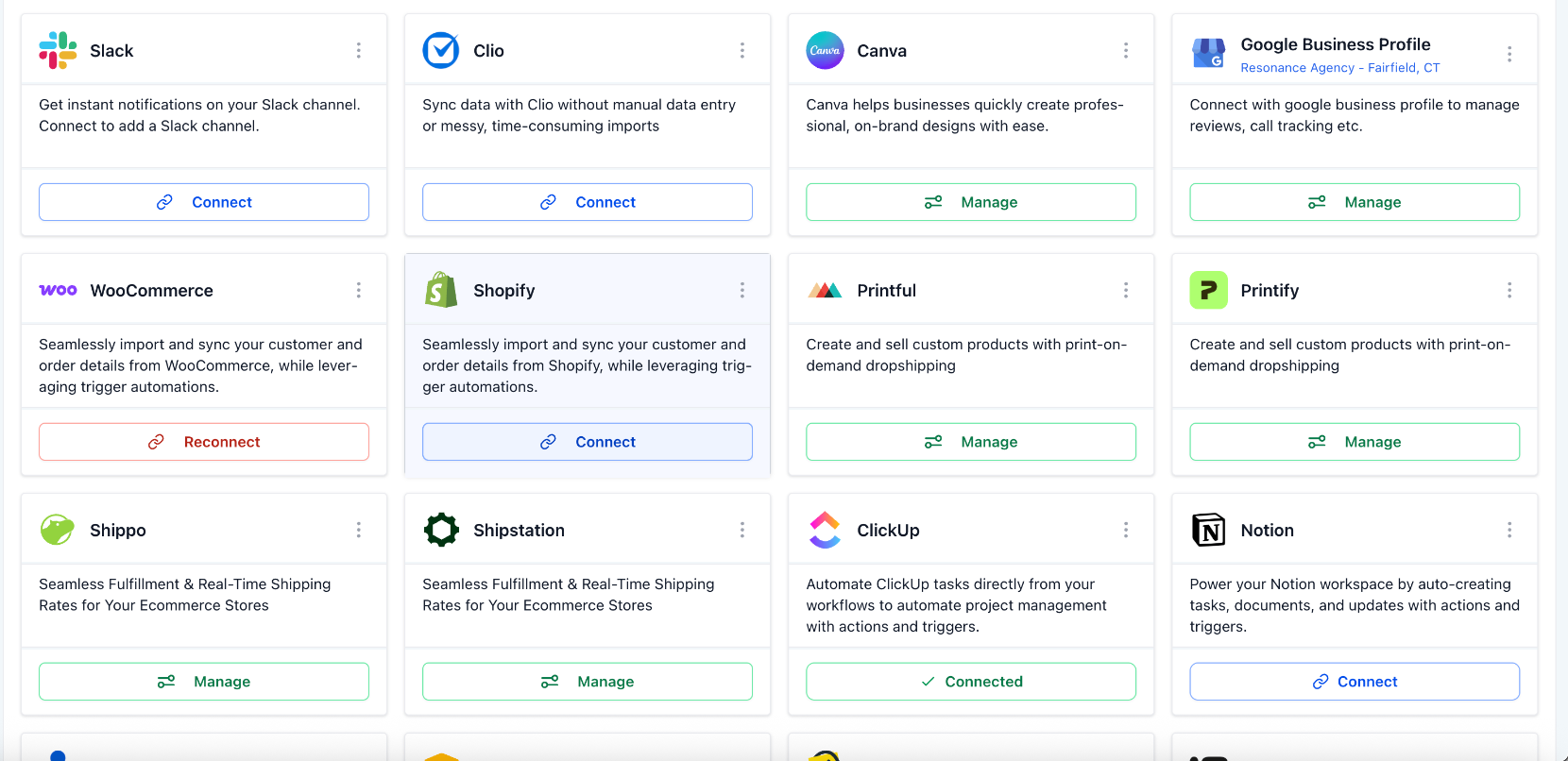
Once your store is connected, Shopify activity flows into FrequencyOS in real time. Customers become contacts. Order events become triggers. From there you build automations on top of your real store data — no spreadsheets, no Zapier glue.
- Customer & order sync — Shopify customers become CRM contacts with name, email, and phone. Order events (placed, fulfilled, cancelled), the product purchased, and order total all flow in as triggers and segments.
- Abandoned cart events — when a shopper doesn't finish checkout, Shopify fires that event into FrequencyOS so you can act on it.
- One source of truth — every interaction lives next to the customer record, so your follow-up actually knows what they bought.
The five apps it replaces
Here's the part that gets store owners' attention. Each of these is normally a separate paid app. With FrequencyOS, they're flows inside one connected system:
1. Abandoned cart recovery
The single highest-ROI automation in e-commerce. A shopper adds to cart and leaves; FrequencyOS sends a friendly SMS an hour later, an email the next day, and a final nudge at 48 hours. It runs for every cart, automatically — recovering revenue you'd otherwise lose, without paying for a dedicated cart app.
Abandoned checkout workflow
Screenshot placeholder — drop a real capture here
2. Post-purchase upsell sequences
A first order gets tagged, then a 3-step email sequence over the next week offers complementary products. This is how stores lift average order value without spending another dollar on ads.
3. Review request automation
An order is fulfilled, FrequencyOS waits seven days, then sends an SMS or email asking for a Google review. Reputation that compounds on autopilot, tied directly to purchase events.
Review request automation
Screenshot placeholder — drop a real capture here
4. VIP tagging
When a customer's cumulative spend crosses your threshold, they're tagged VIP and added to a premium follow-up track — so your best customers get treated like it, automatically.
5. Win-back campaigns
No order in 90 days? FrequencyOS drops the customer into a re-engagement sequence with an offer. Retention without you manually combing through lists.
What FrequencyOS does not replace
This is the honest part — and the reason the integration works so well. FrequencyOS is not a Shopify replacement. Shopify keeps owning commerce:
- Product catalog and collections
- Checkout, payments, and order management
- Inventory tracking and fulfillment
- Shipping integrations and Shopify-native apps
FrequencyOS owns the layer on top: CRM, post-purchase email and SMS, abandoned cart follow-up, review requests, and lead capture from your store traffic. They sit in different parts of the same stack — Shopify running the store, FrequencyOS running the marketing.
A note on SMS compliance
Texting customers requires opt-in. Make sure your checkout collects SMS consent, and US senders need A2P 10DLC registration. It's straightforward — we walk you through it during setup so your messages land and stay compliant.
How setup works
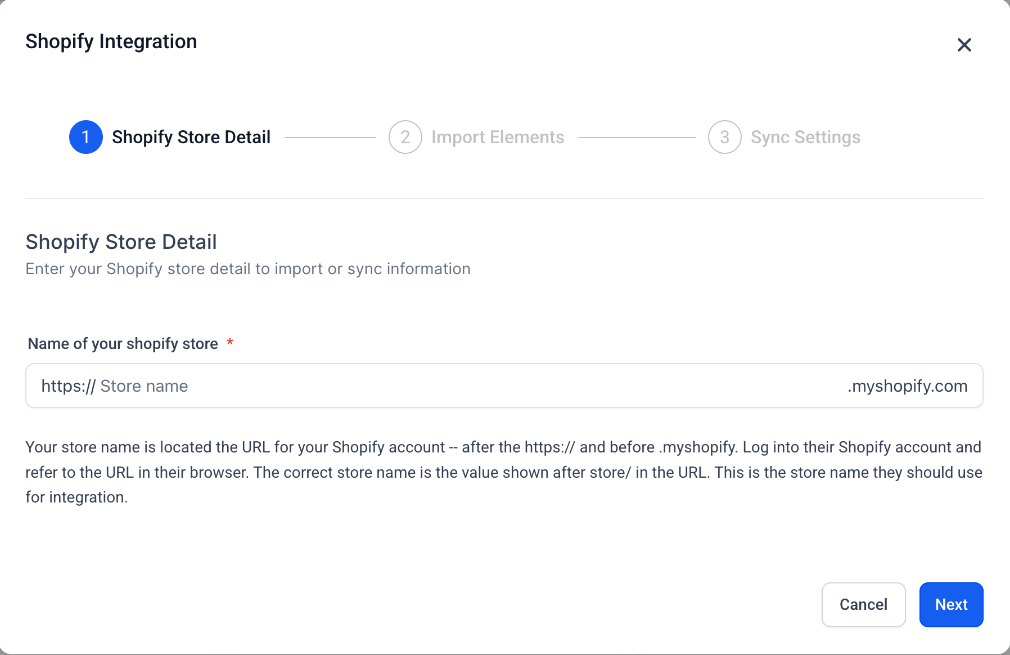
Connecting your store takes minutes. From there, most owners have their first automation — usually abandoned cart recovery — live the same week. If you want to build that first flow yourself, our step-by-step abandoned cart automation guide walks through it screen by screen. Or take the fastest path: a short walkthrough where we map your store together and turn on the two or three flows that recover the most revenue for your specific products.
Want to see it on your store?
Book a 20-minute walkthrough. We'll map your storefront and show you exactly which automations would run — no pitch, just a fit check.
